Desktop_Setup
- 1
Install Web3 Wallet
Download and install the MetaMask extension from metamask.io for Chrome, Brave, or Edge. Create a new wallet or import an existing one.
- 2
Switch to Sepolia
Open MetaMask, go to Settings > Advanced > turn on 'Show test networks'. Click the network dropdown at the top left of your wallet, select 'Custom' (or 'Custom networks'), and then choose the Sepolia Testnet.
- 3
Connect & Swap
Return to our dApp, click 'Connect Wallet' at the top right, and approve the connection. You are now ready to swap testnet ETH for $JAY.
Mobile_Setup
- 1
Get The App
Download the official MetaMask app to securely set up your Web3 wallet.
- 2
Open Explore Tab
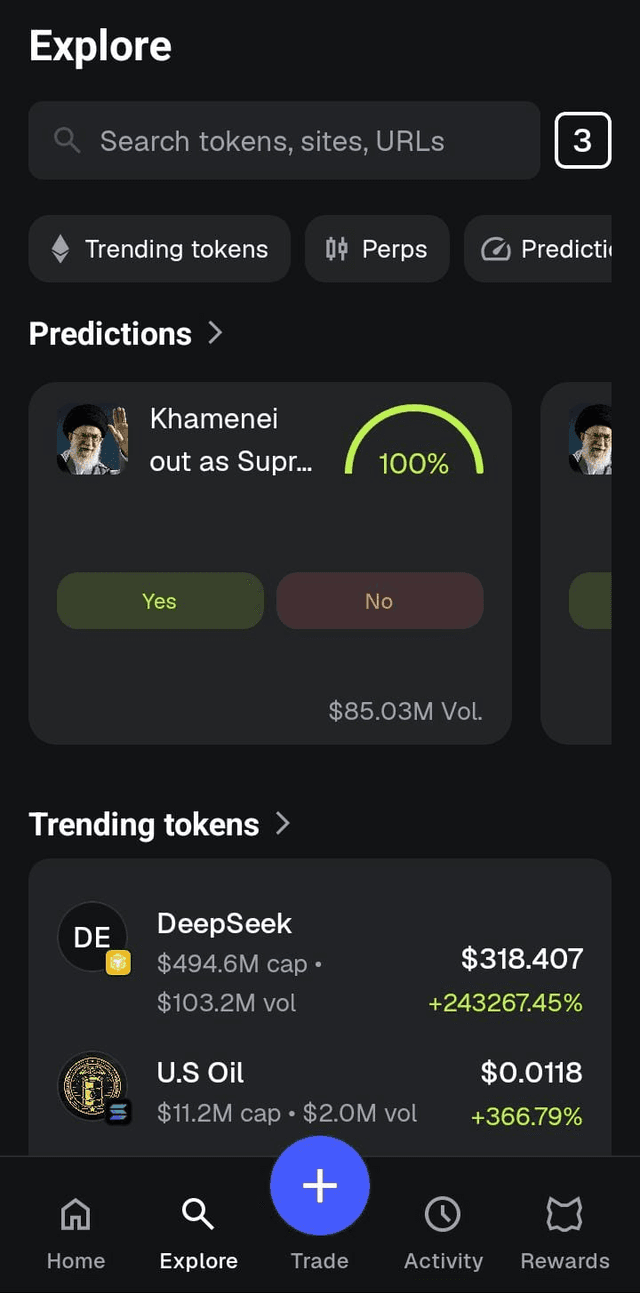
Open the MetaMask app and tap the 'Explore' icon (the compass symbol at the bottom). Standard mobile browsers won't connect properly.
- 3
Enter Protocol URL
Paste the protocol URL into the MetaMask Explore search bar to securely connect and start swapping.
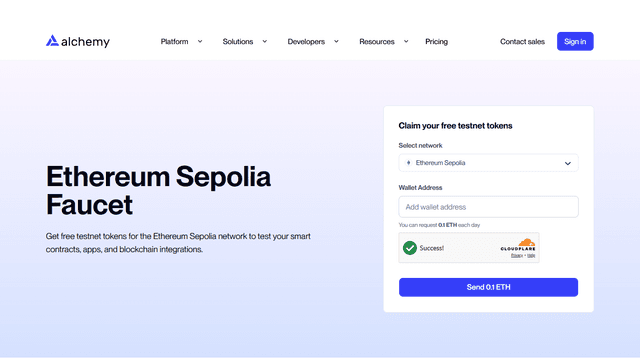
Need Sepolia ETH?
CRITICAL NOTICE: The $JAY Protocol currently operates exclusively on the Sepolia Testnet. You must use Sepolia ETH for gas fees and transactions. This is NOT real Ethereum (ETH) and holds NO real-world financial value. Please do not send real funds to this protocol.